
Create a Web Disk account to manage, browse, upload and download files to the web server.
The Disco Web account directories exist in relation to your account's home directory. The home icon means your home directory (“/ home/Your_cPanel_User”).
This method uses the secure connection to create a folder on your webserver directly on your desktop.
By default your Cpanel user already has an account, just activate:

The next part will select your operating system and the version you want. As soon as it is selected it will open the information, then just click on download.
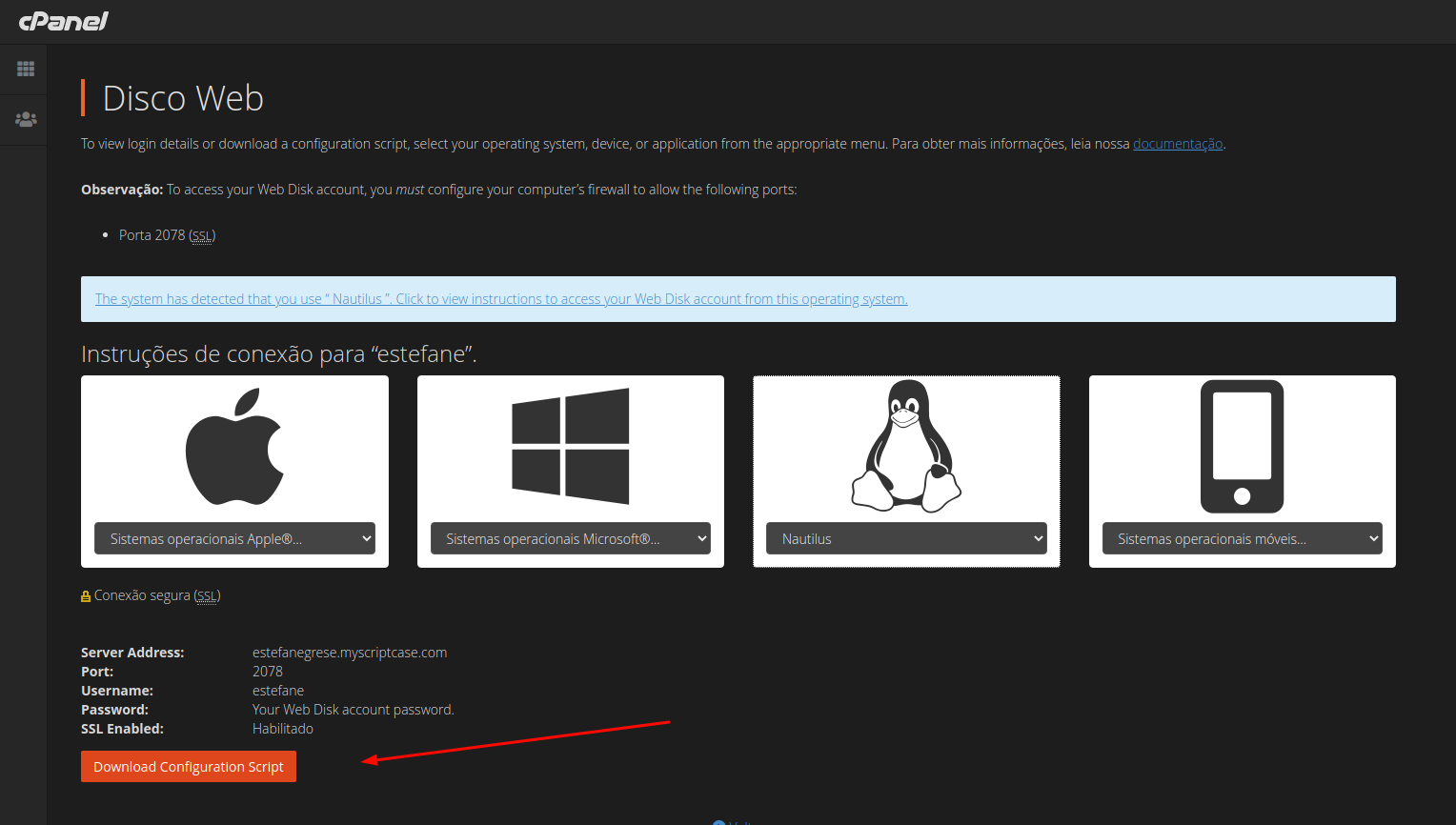
A file will be downloaded, just click on it and wait for the folder to open. Simply enter your Cpanel username and password to log in.
See how to obtain credentials and access cpanel through our article: https://help.scriptcase.net/portal/en/kb/articles/first-steps-with-the-hosting-access
There, now you have quick access to all your web content.