
1. Log into your cPanel account.
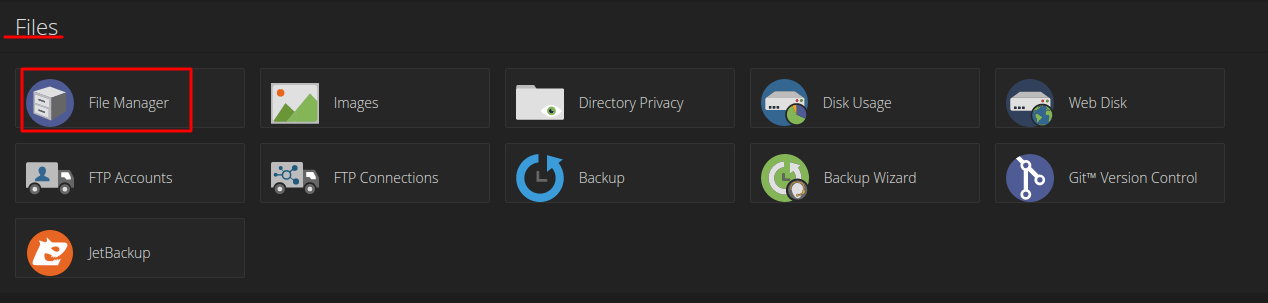
2. In the "Files" section, click on the "File Manger" Icon.
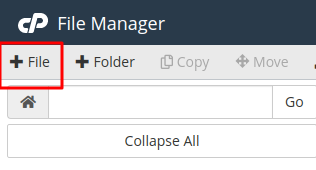
3. Navigate to directory path you want and click on the "File" Icon.
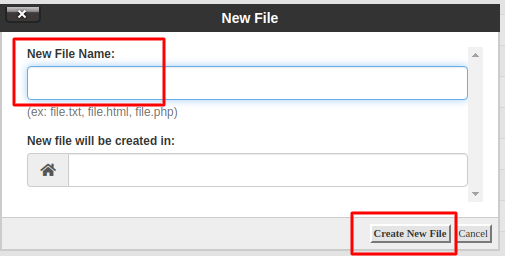
4. In the "New Filename Field" enter your filename like "MyFile.txt"
(without the quotes). Then click on the "Create New File" button.
How to create a file in File Manager
Á
Álvaro Moura
Last updated on Jul 6, 2026